You bring the source.
Your manual, a CAD export and a procedure worth making clearer.
Show me. / Spatial Frames
Turn your manual and model into a guide that shows the part, the angle, and the next move.
For product, support & documentation teams.
For the person standing in front of your product.
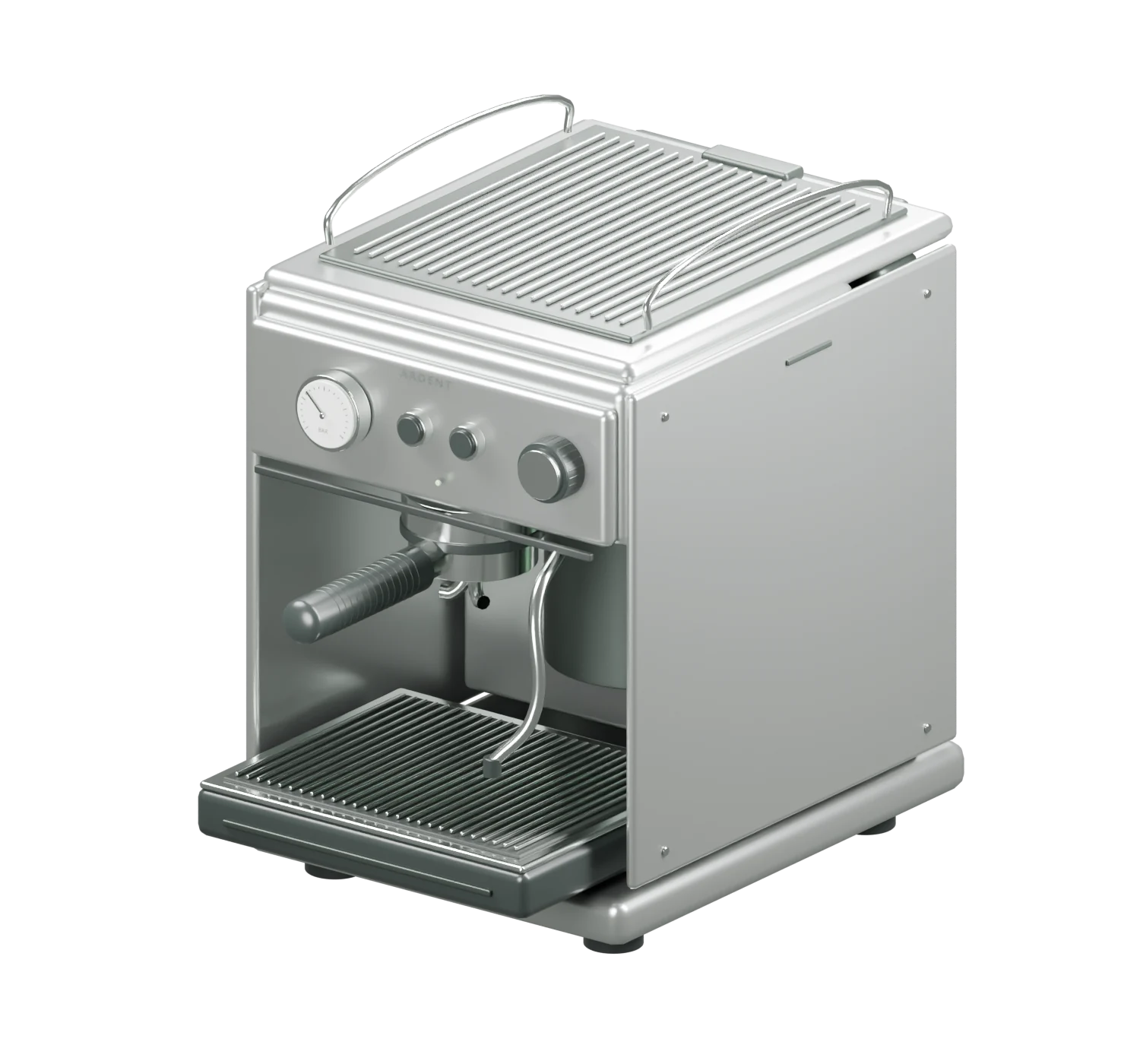
Remove the old filter / Movement preview
The side panel clears. There’s the filter.01 / For manufacturers
Your manual, a CAD export and a procedure worth making clearer.
Parts, movement, sequence and warnings, checked together.
A Frame set, a QR per procedure and an embed for your site.
Start with the question your customers ask most.
Let’s make that Frame02 / From source to instruction
Follow one instruction from the Vessel One manual to the part and the Frame. Your team reviews the connection.
01 The source
Vessel One / Care / p. 02
F-01 / Filter · P-01 / Side panel
02 Remove
Pull the cartridge outward, rotate to release its mount, then lift it clear.Read the source manual
02 The exact part
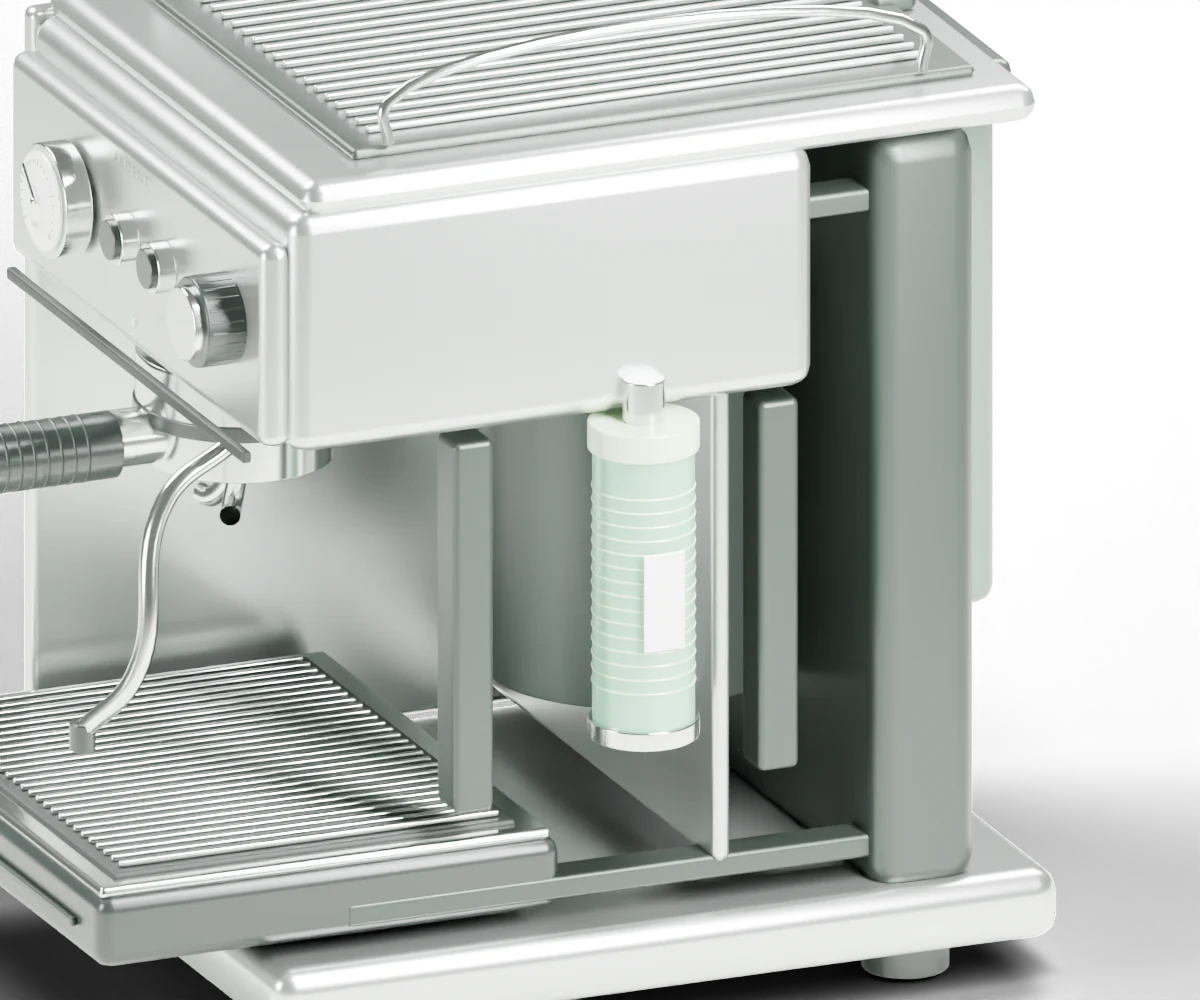 F-01 / Water filter
The same part name is bound to the filter geometry. The surrounding product supplies the context.
03 The owner’s view
Step 2 of 4 / Remove
One instruction. The camera on the part. Each movement shown in order.
Try this exact stepYour team confirms the part match, motion, order, warnings and finished state. This is an illustrative example, not a signed-off customer procedure.
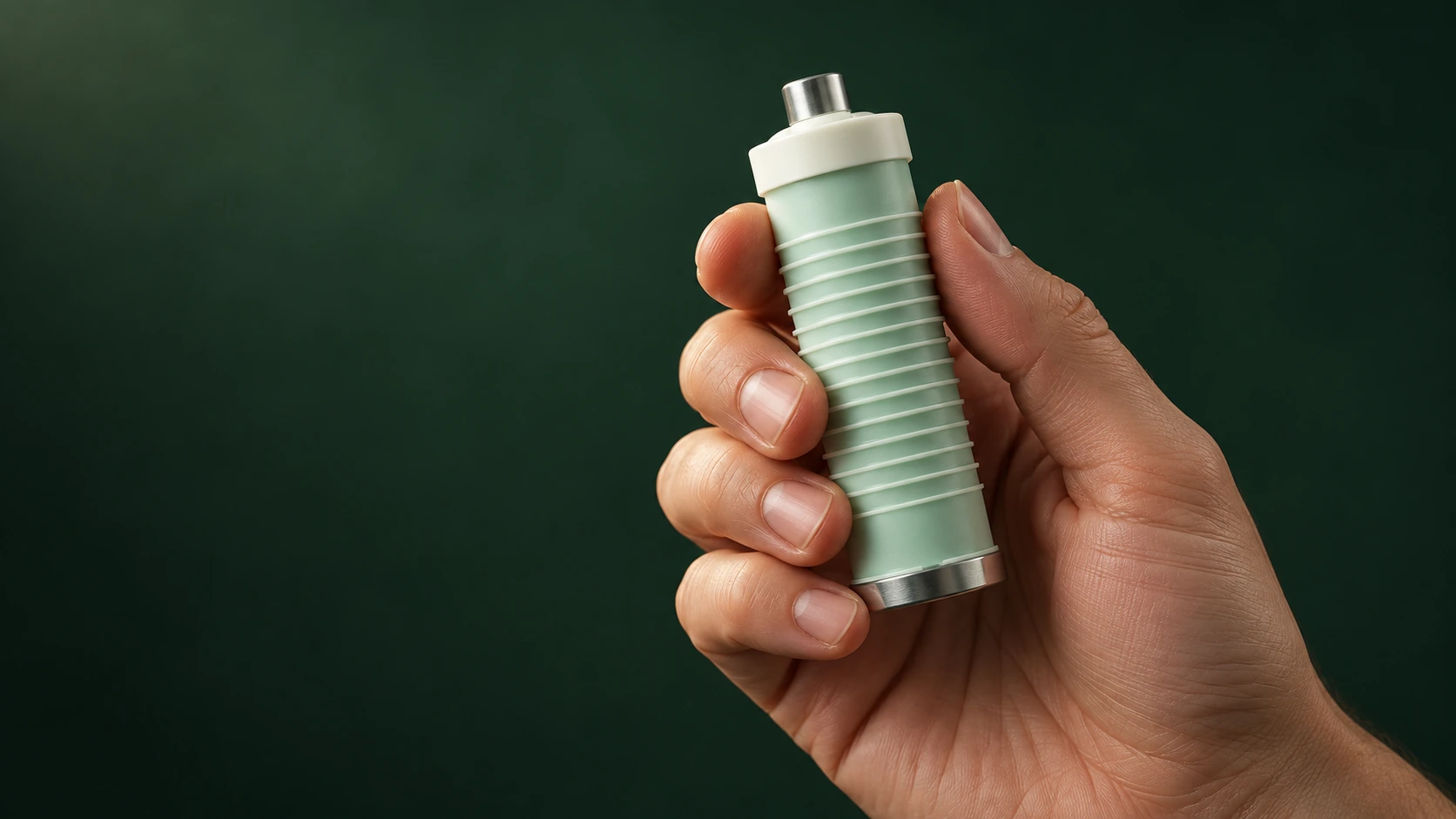 Vessel One / Concept photography
03 / Less interpretation
Your team knows every clip and connection. Your customer is holding the panel in one hand and the instructions in the other.
A Frame puts the reference on the part. Recognition first. The next move, right there.
Some assembly of the instructions required.
04 / A practical starting point
Espresso & kitchen. Bikes & e-bikes. Printers & maker hardware. Start with everyday care, with your expertise behind the guide.
Priced per product line, per year.
Your first Frame set is built with you.
A manual and a product model. CAD export is preferred. Photos can start an approximate model, clearly labelled as such. We agree the procedures and review scope together.
New geometry, reviewed bindings, updated Frames. A model-year change doesn’t need a new video shoot.
On a product QR, product page or support portal. The guide opens in the browser, with a still-image fallback when 3D isn’t available.
A product model the browser can display, a manual organized into parts and steps, and a QR that leads straight to the right guide. No app to install.
The planned Stall map would show which Frames people open, replay or leave. It is not included at launch.
The same Vessel One model also shows how to descale and empty the drip tray . Each has its own starting condition and finished state.
05 / The limits matter
No mains electrical, automotive braking or fuel, medical devices or pressure vessels at launch. Generated or photo-derived geometry isn’t precise enough for those and we won’t pretend it is. Manufacturer CAD with a reviewed Frame set may extend the scope. We’ll say when.
06 / By Bolted
Spatial Frames is built by Bolted, an engineering company in San Francisco and Palma. Two principals, fourteen years shipping native software, ten of them keeping one component of a connected medical device used by millions right on every release. We think a manual should be held to the same standard as the product.
Let’s make the next step obvious.
We send back the product, doing the thing.